
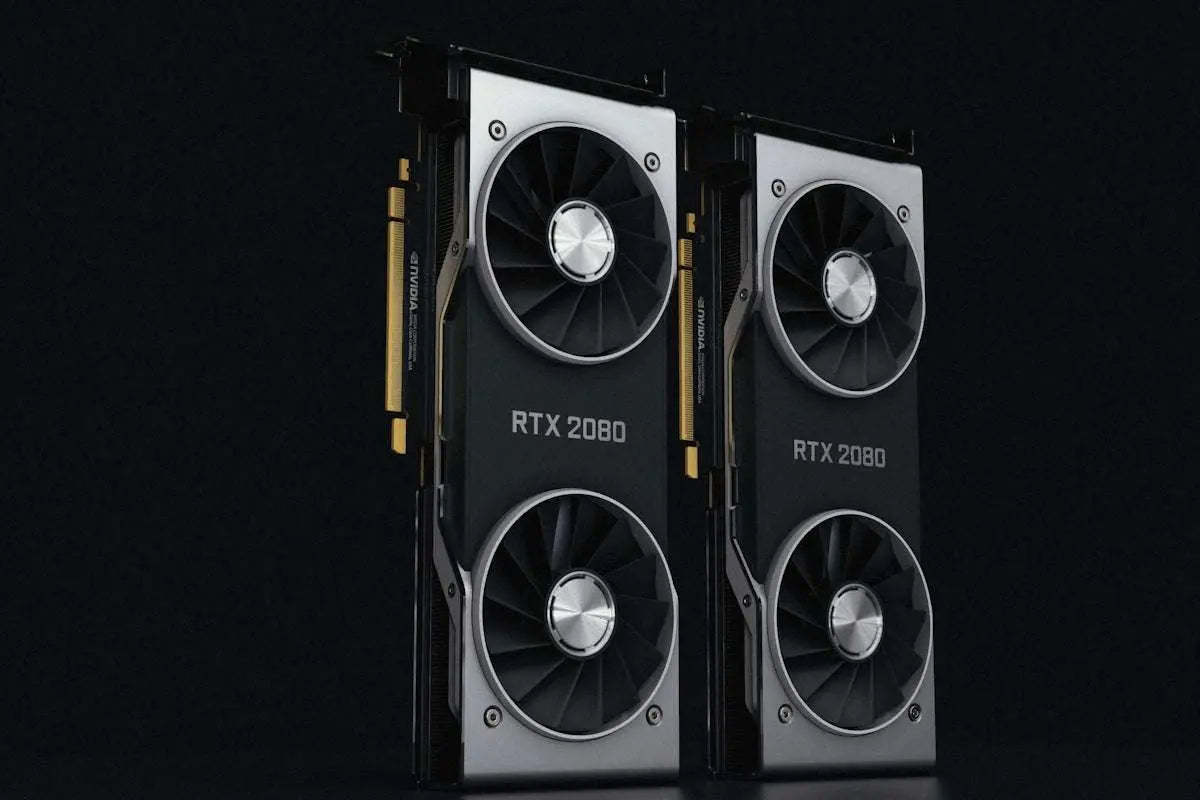
Having a reliable graphic card is essential for an optimal PC gaming experience. However, there are times when issues might arise, disrupting your immersive gaming sessions. Here’s a comprehensive guide to troubleshooting common issues with graphic cards in your gaming PC.
Identifying the Issue
Before diving into solutions, it's crucial to identify the exact problem you're facing with your graphic card. Issues can manifest in various ways, such as:
- Screen artifacts or distortion
- Monitor not displaying any signal
- Game crashes or freezing
- Overheating and unusual noises from the card
Once you’ve pinned down the issue, you can move on to the troubleshooting steps.
Basic Troubleshooting Steps
Check the Physical Connections:
Ensure that the graphic card is seated properly in the PCIe slot. Also, check if the connectors between the monitor and the graphic card are firmly attached. Loose connections can lead to display issues.
Update Drivers:
Outdated or corrupt drivers are often a source of graphic card issues. Make sure you have the latest drivers installed by visiting the graphic card manufacturer’s website.
Monitor Performance with Software:
Utilize monitoring software like MSI Afterburner to check the temperature and performance of your graphic card. High temperatures can cause throttling or damage to the card.
Check for Video Output:
If your monitor is not displaying any signal, test the cable and ports with another monitor or swap cables to rule out connectivity issues.
Advanced Troubleshooting
Test with Another Graphic Card
If possible, test your system with another graphic card to see if the issue persists. This can help determine if the problem lies with the card or other components.
Power Supply Check:
A faulty or inadequate power supply can be responsible for graphic card malfunctions. Make sure your power supply can handle your graphic card’s power requirements. Consider upgrading to a power supply like the MSI MAG A750GL PCIE5 Fully Modular 80+ Gold Power Supply 750W.
Upgrade Your Graphic Card:
If your graphic card is outdated or defective beyond repair, upgrading to a newer model might be the best solution. The ASUS Dual GeForce RTX 3050 6GB OC Edition Gaming Graphics Card offers excellent performance for modern games.
Additional Resources
For those looking to upgrade or build a new gaming setup, consider checking out pre-built options like the MSI Aegis ZS2 Gaming Desktop Ryzen 9 9900X RTX 5070, which offer high performance right out of the box.
Solving graphic card issues can be daunting, but with patience and a systematic approach, you can ensure smooth sailing in your PC gaming adventures.
For more gaming hardware solutions, visit OPC Bleu.