
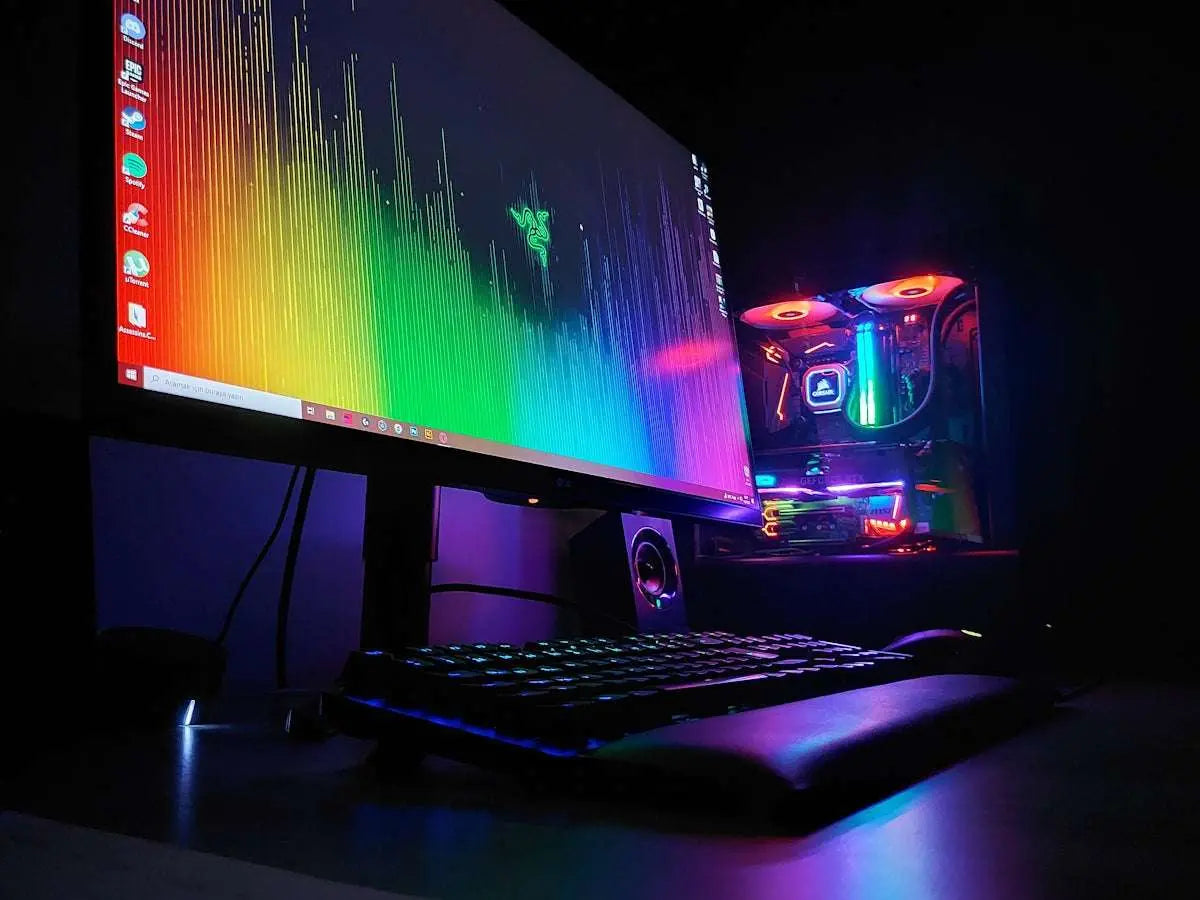
Are you ready to elevate your PC Gaming experience to new heights? Upgrading your Gaming PC can be a daunting task, with so many components to consider. To help you navigate this process, we’ve put together a comprehensive checklist to ensure you don't miss a beat. Whether you're looking to boost graphics performance with a new Graphic Card or enhance your visual experience with a crisp Monitor, this guide will help you ensure every element is top-notch.
1. Evaluate Your System's Current Capabilities
Before you start ordering new components, take a moment to assess the current state of your Gaming PC. Identify which parts might be bottlenecking your performance and prioritize those for upgrades.
2. Upgrading the Graphic Card
The Graphic Card is often the single most important component for gaming performance. If you're seeking improved graphics and smoother gameplay, consider investing in a card like the ASUS Dual GeForce RTX 3050 6GB OC Edition Gaming Graphics Card. This card provides the horsepower needed for immersive gaming experiences.
3. Consider System Power Needs
Upgraded components often require more power. It's crucial to ensure your power supply unit (PSU) can handle the load. The MSI MAG A750GL PCIE5 Fully Modular 80+ Gold Power Supply 750W is a great option, offering reliability and efficiency.
4. Maximizing Storage and Speed
A high-speed SSD can significantly decrease load times for games and applications. If you're upgrading to an all-new system, options like the Gaming PC Intel Core i5-14400F GeForce RTX 4060 Ti 1TB SSD 16GB RAM provide ample storage and speed, ensuring fast boot and game load times.
5. Enhancing Your Display
To truly appreciate your new graphic capabilities, you'll need a high-quality Monitor. Ensure it complements your upgraded Graphic Card to render every pixel with precision and clarity.
6. Review Cooling Solutions
Upgraded components can generate more heat, making efficient cooling essential to maintain performance and longevity. Invest in a reliable cooling system to keep your Gaming PC running smoothly.
By following this comprehensive checklist, you'll have a clear path to upgrading your Gaming PC, ensuring every hardware choice maximizes your gaming performance. For more products and guidance, visit the OPCBleu website.
Disclaimer: This blog post includes references to specific products available on the OPCBleu platform. Product availability and specifications are subject to change.