
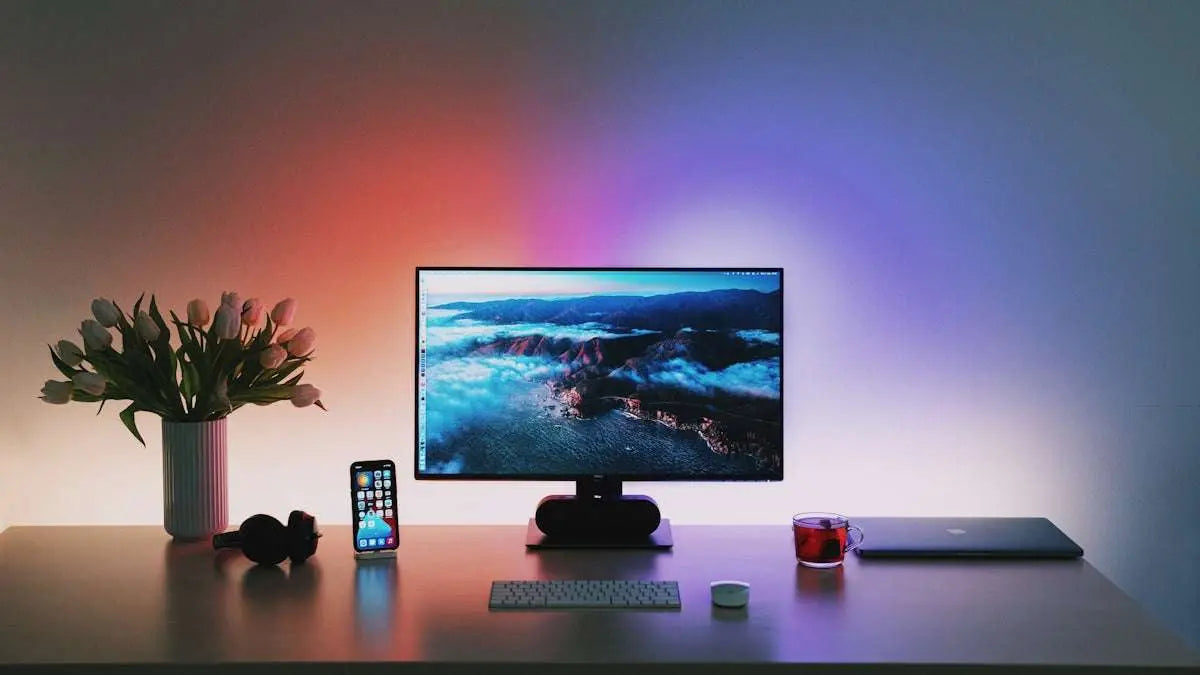
When it comes to PC gaming, the monitor you choose plays a crucial role in your overall experience. To make the most of your Gaming PC, it's essential to select a monitor that complements your system, especially in harmony with your Graphic Card. In this guide, we will walk you through key considerations when picking the perfect monitor for optimized PC gaming performance.
1. Resolution and Screen Size
The resolution you select should be compatible with the capabilities of your Gaming PC and Graphic Card. Higher resolution monitors can offer more detailed and beautiful images, but they require a more powerful graphic card to deliver smooth performance. For instance, 4K monitors provide stunning clarity, but they might not be the best choice if your GPU isn't up to the challenge.
If you’re using a powerful card such as the ASUS Dual GeForce RTX 3050 6GB OC Edition Gaming Graphics Card, you can venture into higher resolutions confidently. Always ensure both your graphic card and monitor are in sync with what your gaming PC can handle.
2. Refresh Rate and Response Time
For seamless gaming, especially in fast-paced games, monitors with at least a 144Hz refresh rate and a response time of 1ms are recommended. A higher refresh rate ensures smoother visuals when you're exploring expansive worlds or engaging in highly competitive scenarios.
3. Panel Type
There are various types of panels, each providing unique benefits:
- TN Panels: Offers fast response times, ideal for competitive gaming.
- IPS Panels: Provides better color accuracy and wider viewing angles, suitable for open-world or narrative-driven games.
- VA Panels: Known for better contrast ratios, making them perfect for rich color and detail in darker scenes.
Depending on your preferences and the kind of games you play, you might prefer choosing a different panel type.
4. Compatibility with Your Setup
Your gaming setup may also include advanced components like the MSI Codex Z2 Gaming Desktop Ryzen 7 8700F RTX 5060 Ti or the MSI Aegis ZS2 Gaming Desktop Ryzen 9 9900X RTX 5070. In such cases, ensuring full compatibility between all elements of your system guarantees optimal performance and a superb gaming experience.
Conclusion
Choosing the right monitor for PC gaming is about balancing resolution, refresh rate, and screen size with your Gaming PC's capability and your Graphic Card's power. To explore more about gaming builds and peripherals, visit our website.
Armed with these insights, you're well on your way to enhancing your gaming setup and achieving an immersive gaming experience. Good luck, and happy gaming!