
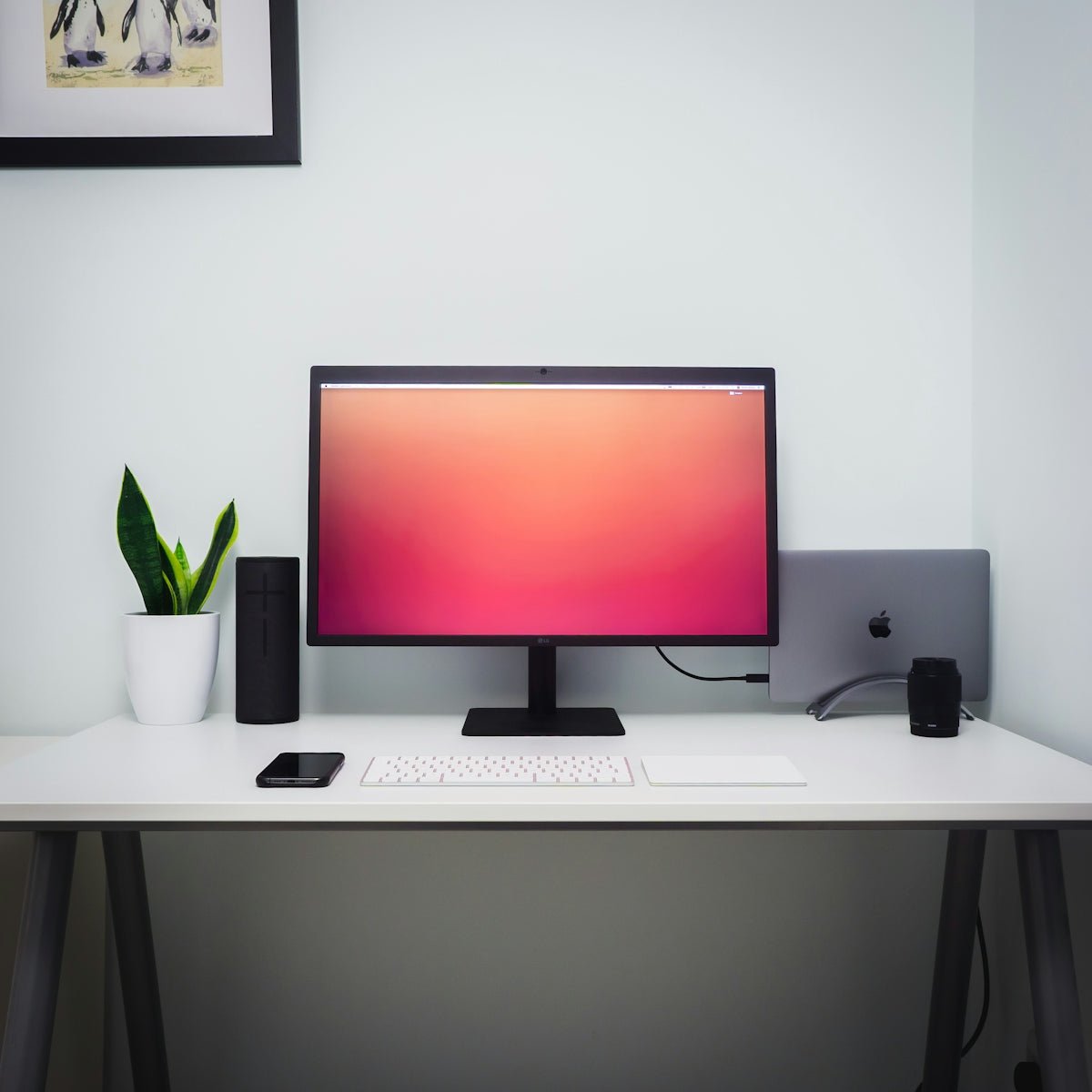
Choosing the right monitor for your Gaming PC can be as crucial as selecting the right hardware components like the Graphic Card or processor. A monitor isn't just something to display your favorite games; it can enhance your whole gaming experience significantly. Here’s a comprehensive guide on how to make the best choice.
Key Considerations
When shopping for the perfect gaming monitor, here's what you should look for:
1. Resolution
Resolution is critical when it comes to how sharp or detailed your images will appear. The two most common resolutions are 1920x1080 (Full HD) and 2560x1440 (QHD). Depending on what your Graphic Card can support, you might want a monitor that makes full use of its capabilities.
Visit OpC Bleu for selected high-performance graphics cards like the MSI Ventus GeForce RTX 5060 Ti 16GB GDDR7 or the ASUS Dual GeForce RTX 3050 6GB OC Edition.
2. Refresh Rate and Response Time
A higher refresh rate monitors generally provide a smoother gaming experience. Usually, a refresh rate of 144Hz or higher is recommended for an optimal experience in fast-paced games. Coupling this with low response time (ideally 1ms) is paramount for competitive gaming.
3. Panel Type
- TN Panels: These are often the most affordable and provide the fastest response times. However, they may lack in color accuracy and viewing angles.
- IPS Panels: Known for offering the best color accuracy and viewing angles.
- VA Panels: These provide the best contrast ratios and are great for dark scenes.
4. G-Sync/FreeSync
G-Sync (NVIDIA) and FreeSync (AMD) technologies help reduce screen tearing and stuttering. Depending on your Graphic Card, picking a monitor with the corresponding technology is essential.
Explore gaming desktops like the MSI Codex Z2 Gaming Desktop Ryzen 7 8700F RTX 5060 Ti or MSI Aegis ZS2 Gaming Desktop Ryzen 9 9900X RTX 5070 that efficiently support these features.
Conclusion
Investing in a monitor is an important part of building a Gaming PC. Ensure your monitor complements the performance of your Graphic Card and other gaming desktops.
For more insights and information about the latest in PC Gaming, check out OpC Bleu.