
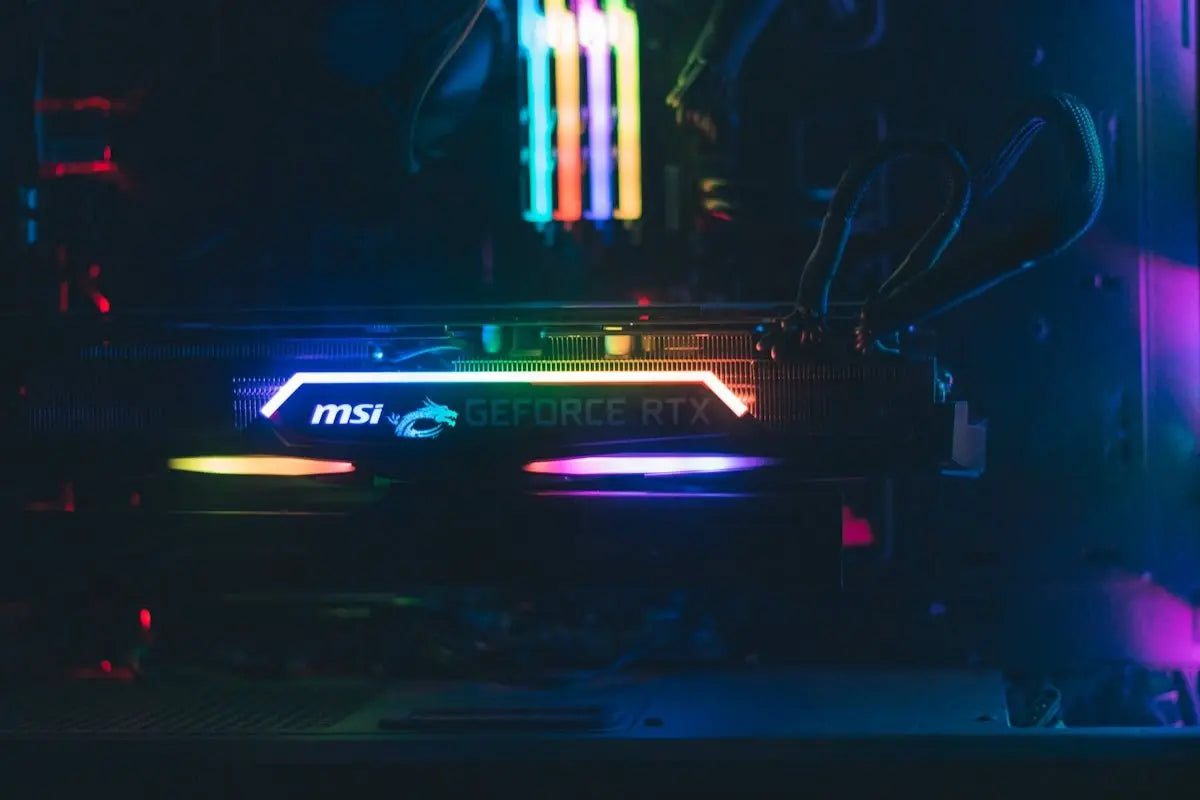
When assembling a Gaming PC, ensuring compatibility between your monitor and graphic card is crucial for achieving optimal performance and an immersive gaming experience. With the rapidly advancing technology in PC gaming, understanding these components' compatibility ensures that gamers get the most out of their setup, without suffering from bottlenecking or underperforming hardware.
Understanding the Graphic Card and Monitor Relationship
The graphic card is essential in rendering images to your screen. In contrast, the monitor is responsible for displaying those images accurately. A high-performance graphic card paired with an outdated monitor might result in subpar performance, affecting gameplay quality and FPS (frames per second). Therefore, understanding how these components work together is essential for gamers.
The Role of the Graphic Card
Graphic cards, such as the ASUS Dual GeForce RTX 3050 6GB OC Edition Gaming Graphics Card, are designed to process graphic data efficiently, directly impacting the visual output. The card's resolution capacity, refresh rate support, and connection capabilities are areas to consider for compatibility.
Monitor Specifications
When choosing a monitor, consider specifications that match the capabilities of your graphic card. Key features include:
- Resolution: Ensure that your monitor's resolution supports your graphic card's maximum output resolution. This prevents any loss of image quality.
- Refresh Rate: A higher refresh rate provides smoother gameplay. Pairing a high-refresh-rate monitor with a top-tier graphic card ensures fluid and responsive gaming.
- Connection Inputs: Make sure the ports on your monitor are compatible with your graphic card’s outputs (such as HDMI or DisplayPort).
Building a Balanced Gaming PC
Pairing your components correctly results in a balanced gaming PC that delivers top-notch performance. The Gaming PC Intel Core i5-14400F GeForce RTX 4060 Ti 1TB SSD 16GB RAM is a strong example of a system built to handle modern gaming requirements, ensuring compatibility across all hardware components.
Conclusion
By understanding the compatibility between graphic cards and monitors, gamers can build or purchase systems that perform seamlessly. Ensuring matched specifications will not only elevate the gaming experience but also future-proof your setup against technological advancements.
For more information about optimizing your gaming setup, visit opcbleu.ca.